
VIC-3D 11.6 Adds Guided Calibration for Stereo Microscopes
VIC-3D 11.6 was released on 23 October 2026. The largest addition is for anyone measuring under a stereo microscope. Most of the rest is for people who run many mechanical tests and process them in batches.
Calibrating a micro-scale system
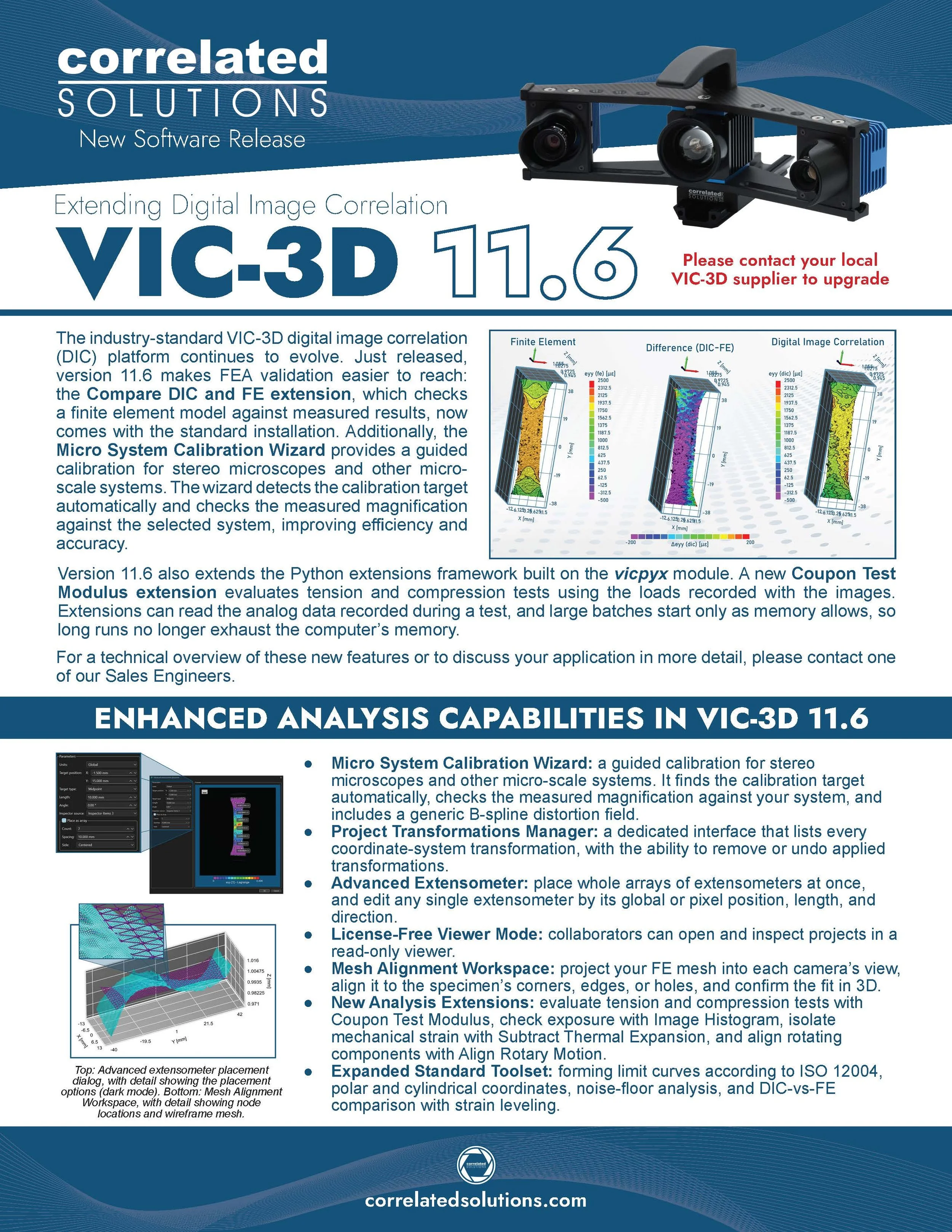
The new Micro System Calibration wizard, under Calibration → Micro system, is a guided calibration for stereo microscopes and other micro-scale systems. It finds the calibration target in the images, checks the measured magnification against the system you selected, and settles the microscope's handedness. The calibration combines a grid-target step with a joint grid-and-speckle solve. That solve includes a generic B-spline distortion field, for optics that a standard lens model may not describe well.
While it works, the wizard shows the stereo pair side by side, along with distortion plots, per-view scores, and a live solver log. You can step back and forth through it without losing results. That sounds minor. Anyone who has restarted a calibration from scratch to change one setting will know it isn't.
VIC-3D also now warns you before a project with B-spline cameras is recalibrated with the standard calibration dialog.
Mechanical testing
A new Mechanical testing menu holds the Coupon Test Modulus extension, which evaluates tension and compression tests. VIC-3D measures the strain, and the load comes from the analog data recorded with the images. The Compare DIC and FE extension, for checking a model against measured results, now comes with the standard installation.
Extensions and batch work
Any extension can now read the analog data recorded with the images. Extensions that run over many files start only as memory allows, so a large run no longer exhausts the computer's memory. If an extension's required project files are missing, it is greyed out, with a tooltip saying what it needs.
Batch processing can write data files to a "processed" subfolder beside the images. Two new command-line switches help with scripted work: -D redirects data files, and -C calibrates the stereo system of one or more projects without opening them.
Calibration reporting
Each project now saves a CSV report of per-image calibration scores. The Calibration menu has a new Recompute Magnification action, and scale bars and VSG legends are corrected on low-convergence systems. The calibration panel also reports where the cameras are in the object coordinate system.
Upgrading from before 11.4?
VIC-3D 11.6 also carries everything added in 11.4 (see Announcing VIC-3D 11.4), including a license-free Viewer mode for collaborators, the Project Transformations manager, extensometer arrays, and the Image Histogram and Subtract Thermal Expansion extensions.
Full list of changes in VIC-3D 11.6
Micro System Calibration wizard
A guided calibration for stereo microscopes and other micro-scale systems, under the new Calibration → Micro system submenu.
Detects and extracts the calibration target automatically, checks the measured magnification against the selected system, and settles the microscope's handedness.
Combines a grid-target calibration with a joint grid-and-speckle solve, including a generic B-spline distortion field.
Shows the stereo pair side by side, distortion plots, the per-view scores, and a live solver log, and keeps results when stepping back and forth.
VIC-3D warns before a project with B-spline cameras is recalibrated with the standard calibration dialog.
Analysis
The analysis dialog can analyze a selected image sequence, and AOIs and start points remember the sequence they belong to.
Mechanical testing extensions
A new Coupon Test Modulus extension evaluates tension and compression tests using the loads recorded in the project's analog data, listed under a new Mechanical testing menu.
The Compare DIC and FE extension is now included in the installation.
Extension improvements
Extensions can read the analog data recorded with the images.
Extensions whose required project files are missing are greyed out, with a tooltip saying what they need.
Extensions running over many files are started only as memory allows, so a large run no longer exhausts the computer's memory.
A transformation returned by an extension can be saved in a project without a calibration.
The extension dialogs remember the last folder used.
Batch processing
An option to write data files to a "processed" subfolder beside the images.
A -D command-line switch to redirect data files.
A -C switch that calibrates the stereo system of one or more projects without opening them.
Calibration
A CSV report of the per-image calibration scores is saved with the project.
A Recompute Magnification action in the Calibration menu, and corrected scale bars and VSG legends on low-convergence systems.
The calibration panel reports the orientation of externally oriented cameras and where the cameras are in the object coordinate system.
Color maps
Manage both project and global color maps; custom color maps are kept in plot video export.
Image and plot export
Export one image per data file from the report editor, with sequential numbering and progress text.
2D plots can toggle the scale bar and axis decoration, and fit the XY range to the data.
Extractions
Change the waterfall count when re-extracting.
The Multi… dialogs can include the first and last frames.
Marker line plots can plot analog data.
Text boxes can show extensometer results, and extensometer lengths are labeled in the calibrated unit.
Preferences
VIC-3D offers to restart itself after a change that needs it, such as the application language.
A global default for the subset-size noise level.
A Data Options preference to load every image from an HDF5 file without the dataset picker.
General
Projects can be removed from the recent-projects list.
The projection error is reported as one statistic, in pixels, named p_err throughout.
In-application help is available in Russian.
Fixes
Faster loading of projects with large analysis tables.
Extraction plots no longer multiply or appear empty.
Contour legends keep their saved position, and a legend label of zero prints as zero.
Fixed byte order when fast-saving 16-bit TIFF images.
Fixed crashes when editing color maps, resizing the Multi… dialogs, and rendering images with a sub-pixel negative origin.
The initial-guess editor opens at the right size and position on a second monitor.
File dialogs start in Documents when no working directory is remembered.