
Announcing VIC-3D 11.4
Updates are coming fast in VIC-3D! We are excited to announce version 11.4 which provides several long-requested and soon-to-be-invaluable new features.
License-Free Viewer Mode
Open and inspect projects in an all-new, read-only viewer mode.
Look without the risk - review results, walk a colleague through data, or check a setup with zero chance of accidentally changing or overwriting something.
Share projects with confidence. Deliver a project to a reviewer, manager, or customer knowing they can explore every result but can't alter the analysis.
vicpyx Extension System Updates
Get more from the data with Three New Extensions
Image Histogram for instant exposure and contrast insight
Subtract Thermal Expansion to isolate mechanical strain from thermal effects
Align Rotary Motion for clean analysis of rotating components.
Run extensions on autopilot with auto-run and auto-accept, jump directly to what matters with favorites and last-used, and set up complex analyses in seconds using named argument presets which can be applied and edited from a right-click menu.
Handle real-world analysis with new, built-in controls for area-of-interest masking, reference data, subset size, analysis start points, and project calibration — so every extension has what it needs to get the answer right.
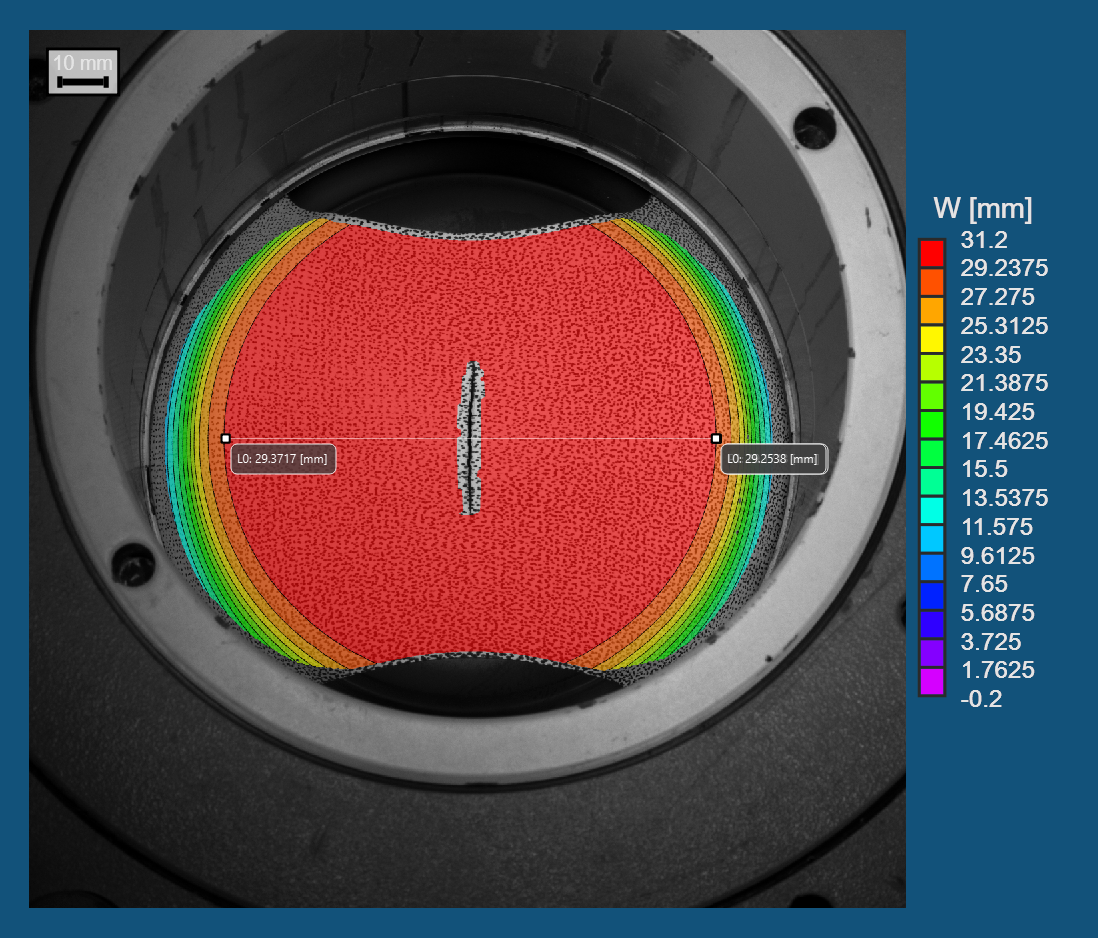
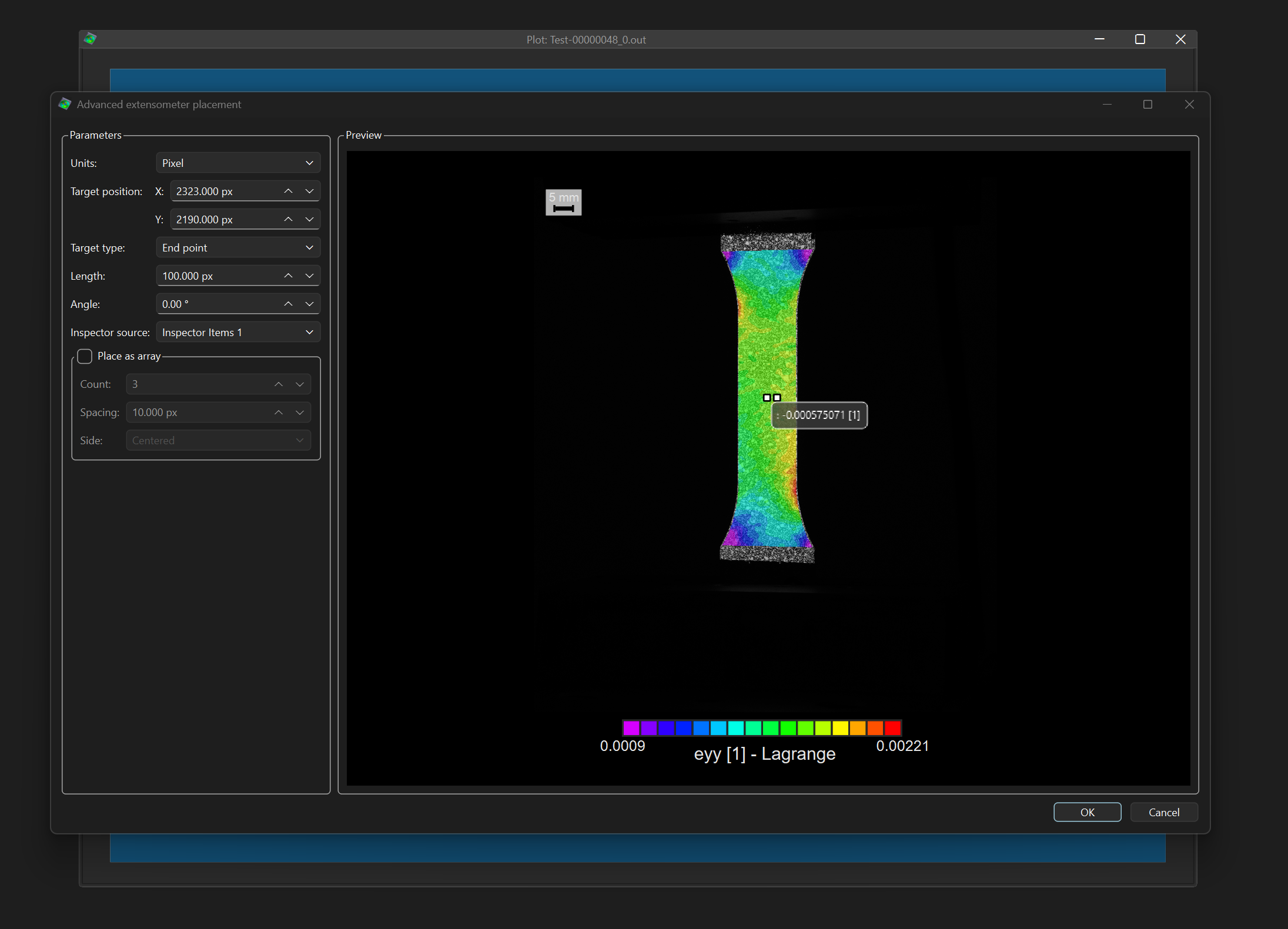
Advanced Extensometer Placement
Place entire arrays of extensometers simultaneously and cover your specimen in seconds instead of clicking them one by one.
Precision by the numbers. Edit any extensometer by its exact global or pixel position, length, and direction — no more nudging by eye to get it right.
Reproducible every time. Define placements numerically so the same gauge layout can be recreated consistently across specimens and tests.
VIC-3D 11.4 Full Release Notes
Major Calibration upgrades include a configurable outlier-rejection threshold, with automatic and manual removal of individual outlier target points.
Don't let one bad dot ruin a good calibration. A finger over a target, a smudge, a glare hotspot — VIC-3D now flags the individual points driving up your error instead of forcing you to scrap the whole image.
A configurable rejection threshold lets you decide how strict "good enough" is, so calibration standards stay consistent across operators and jobs.
A Project Transformations Manager can review and remove coordinate-system transformations applied to a project; applied transformations can now be undone.
See every transformation in one place. A dedicated manager lists all coordinate-system transformations applied to your project, so nothing is hidden or forgotten.
Fix mistakes without starting over. Remove a wrong or outdated transformation directly instead of rebuilding the project from scratch.
Coordinate Origin and Virtual Strain Gauge on 2D plots — show the origin and the VSG directly on 2D contour plots, with a live VSG preview while configuring it.
Analysis Dialog Preview Tabs — the in-progress preview now adds an Extraction tab that tracks the average of the selected variable across the sequence as analysis runs, and a Summary tab with a live per-image results table that is also saved with the project. Separate total and per-image progress bars show a time-remaining estimate.
Extraction Plots Flexibility — researchers can now use time as the x-axis when available.
Cylindrical Coordinate Transforms — live preview, a reuse-variables option, and the ability to set the result as the coordinate system.
Faster, More Responsive Post-Processing — a unified live preview for the triangulation, strain, curvature, local rotation, smoothing, and apply-transformation dialogs, plus faster image and data loading.
Thermal Strain — output thermal strain and subtract thermal expansion to obtain mechanical strain.
Improved Automatic Target Detection
UI/UX Improvements
Reorganized global preferences with dedicated pages (Data Options, VDI Targets) and page icons.
Player Reverse Playback and track bar
Larger toolbar buttons throughout.
Touch Probe Enhancements
Compute and apply a coordinate system directly from touch-probe measurements, using a new alignment and fitting algorithm.
Add, remove, and switch between probe positions in the workspace.
In-workspace triangulation, 3D zoom with the mouse wheel, and a right-click menu for fitting options and marker size.